Hiding a video works the same way as hiding a photo, but videos bring their own problems: they're big, they fill iCloud, and they're where vault apps most often let people down. In the most recent one- and two-star reviews of eight popular vault apps, which we read in October 2026, video problems came up 40 times. Here's how to hide videos and keep them playable.
How do you hide a video in the Photos app?
The same way as a photo: touch and hold, then Hide.
- Open Photos and find the video. Collections › Media Types › Videos lists them all.
- Touch and hold it, tap Hide, and confirm. For several, tap Select, choose them, tap More (…) and Hide.
- Check the lock: in Settings › Apps › Photos, make sure Use Face ID is on.
The video moves to Collections › Utilities › Hidden, keeps its full quality, and plays as normal. As with photos, your iPhone passcode opens the Hidden album, and hidden videos sync to your other devices with iCloud Photos. More on that in is the Hidden album private?
Can you hide a video in a locked note?
Yes, but it's only practical for short clips. Add the video to a note with the camera button, then lock the note with More (…) › Lock. Large videos make notes slow to open and sync, and there's no gallery to browse.
How do you hide videos in a vault app?
Import them from Photos into the vault, check they play, then delete the originals from Photos and Recently Deleted. Before you trust a vault with videos, check four things:
- Does it keep full quality? Some vaults compress videos, or keep originals only in their own cloud. Look for "original quality" or similar in the listing.
- Does it handle big files? 4K, HDR, slow-motion and long videos are often several gigabytes. Import one long video as a test.
- Do videos play without waiting? Some encrypted vaults decrypt the whole file before playing it, which takes time and space. Better ones decrypt as they play.
- Are videos in the free plan? Many free plans limit videos more than photos. Noxium's free plan, for example, holds 10 videos.
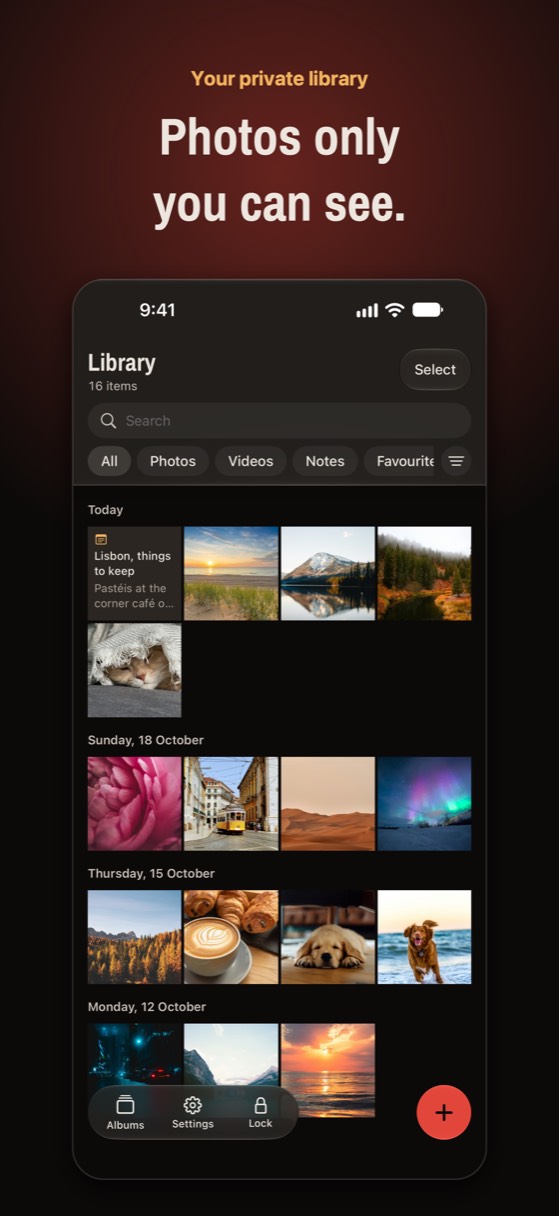
In Noxium, which we make, videos are encrypted on the iPhone in 1 MiB chunks with AES-256-GCM. Because each chunk can be decrypted on its own, even long 4K videos start playing straight away, without a decrypted copy written to storage. Videos keep their original quality and date, and export back to Photos the same way. You can also record videos straight into the vault with its camera, so they never touch your camera roll.
Try Noxium free: join the beta →
Why do videos cause trouble in vault apps?
Size, mostly. A minute of 4K video can be hundreds of megabytes, so anything a vault does to a video (import, encrypt, back up, restore) takes longer and fails more often than with photos.
- Import fails or stops when the app is closed mid-way or the phone runs low on space.
- Backups lag behind, especially if they only run on Wi-Fi or iCloud is nearly full, so the newest videos are the ones missing after a restore.
- Playback stalls when the app decrypts the whole file first.
- Formats get lost: Live Photos can lose their video part, and HDR can be flattened, if the app re-encodes.
After importing, play a few videos from the start, middle and end, and check one Live Photo still moves.
How much storage do hidden videos take?
The same as before you hid them, and sometimes double for a while. Hiding in Photos doesn't change size. Moving videos into a vault creates a second copy until you delete the originals, so make sure you have free space for the largest videos first.
If the vault backs up to iCloud, videos count toward your iCloud storage too. Check Settings › [your name] › iCloud before a big import. In Noxium you can keep videos from using mobile data with Wi-Fi only for videos in the backup settings.
What should you clean up after hiding videos?
- Recently Deleted: deleted originals stay for 30 days. Open Collections › Utilities › Recently Deleted, unlock it, and delete them for good.
- Messages and chat apps: a video you sent or received has its own copy in that conversation.
- Shared albums and the Shared Library: people you shared with can still see it.
- Your computer: check old imports on a Mac or PC.
Big videos, played straight away
Noxium encrypts videos on your iPhone in small chunks, so even long 4K videos play without waiting, at full quality. Free for 10 videos and 150 photos.
Join the beta Version 1.0 was submitted to App Store review in October 2026. It is not on the App Store yet.Questions people ask
Can you hide videos on iPhone without an app?
Yes. Touch and hold the video in Photos and tap Hide. It moves to the Hidden album, which opens with Face ID or your passcode.
Do hidden videos lose quality?
Not in the Photos app; hiding doesn't change the file. Some vault apps compress videos or keep the original only in their cloud, so check before you move large videos into one.
Why won't my videos play in my vault app?
Usually because the full-size video is still downloading from the app's cloud, the import didn't finish, or the app has to decrypt the whole file first. Keep the app open on Wi-Fi, and contact the developer if one video never plays.
Do hidden videos still use iCloud storage?
Yes. Hidden videos in Photos count toward iCloud Photos, and videos in a vault that backs up to iCloud count toward your iCloud storage.
Something wrong or out of date? Email business@inertiaprojects.info and we'll fix it.